

Wallet tracking is designed to help you follow selected Sui addresses and inspect activity without leaving the terminal.
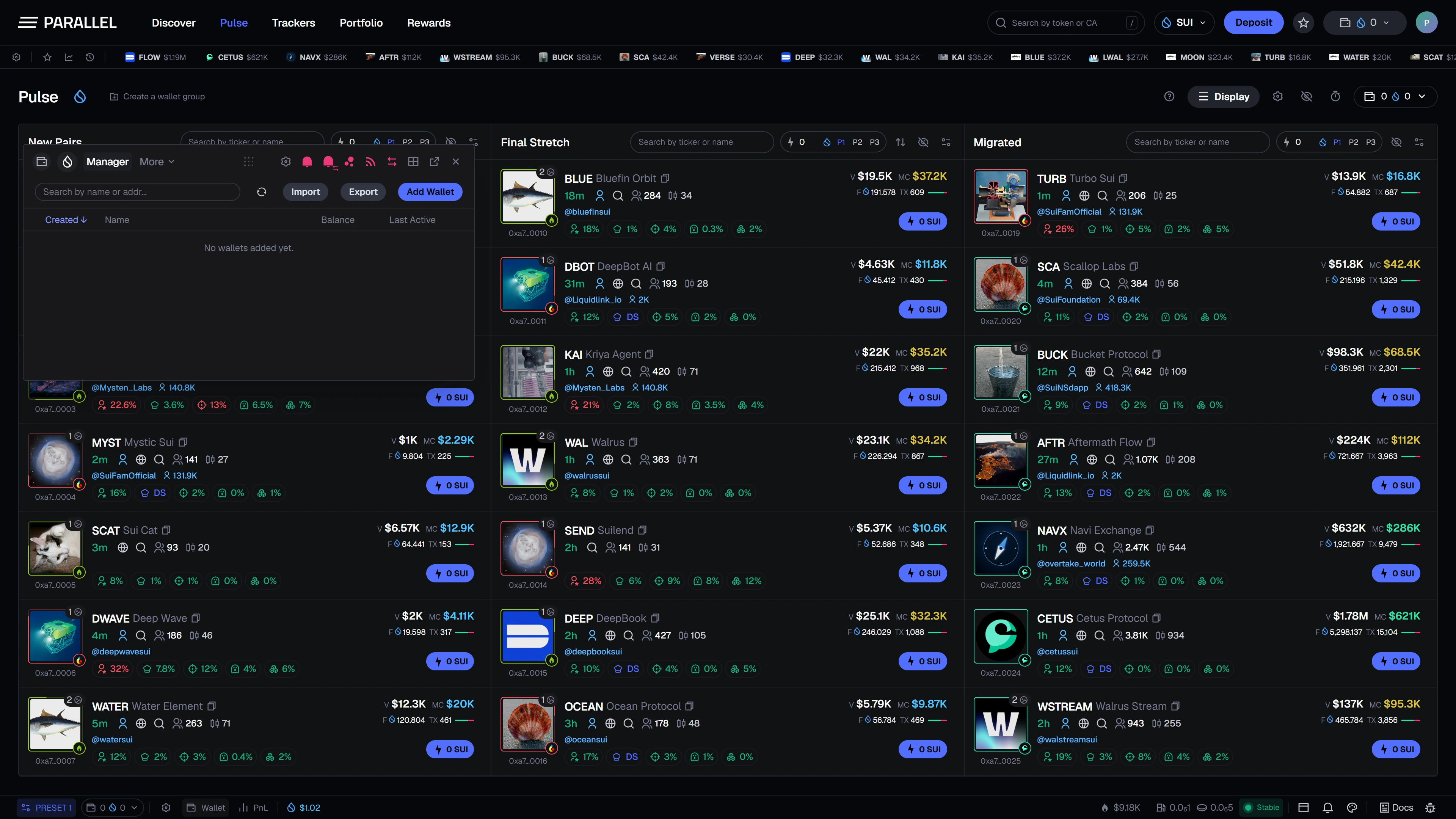
Add context to an address
Use a name, emoji, color, and group to make an address recognizable. Verify the complete public address when adding it; a familiar label does not establish ownership.
A tracked address is watch-only. Tracking it does not allow Parallel or another user to spend its funds.
Activity views
| View | What it is for |
|---|---|
| Trades | Reviewing trading activity supplied by the supported data source. |
| Transfers | Inspecting movement into and out of the address. |
| Monitor | Keeping selected wallet activity visible as part of the workspace. |
Filters and configurable columns help focus the table. Read the selected wallet, period, and source before interpreting the activity.
Arrange the tracker
The tracker can be represented as a floating or docked panel. The layout controls are designed to keep activity visible beside Pulse; resizing and docking change presentation.
Removing an address from a tracking list removes that view's entry, rather than deleting a wallet or its blockchain history.
Alerts and data availability
Wallet-specific alert preferences are part of the planned interface. Telegram, email, or persistent background delivery is not implied by an in-app alert setting.
Live wallet tracking is not publicly available yet. Empty or unavailable data must not be interpreted as proof that an address has no assets or transactions. See Wallet scan for more detailed analysis.