

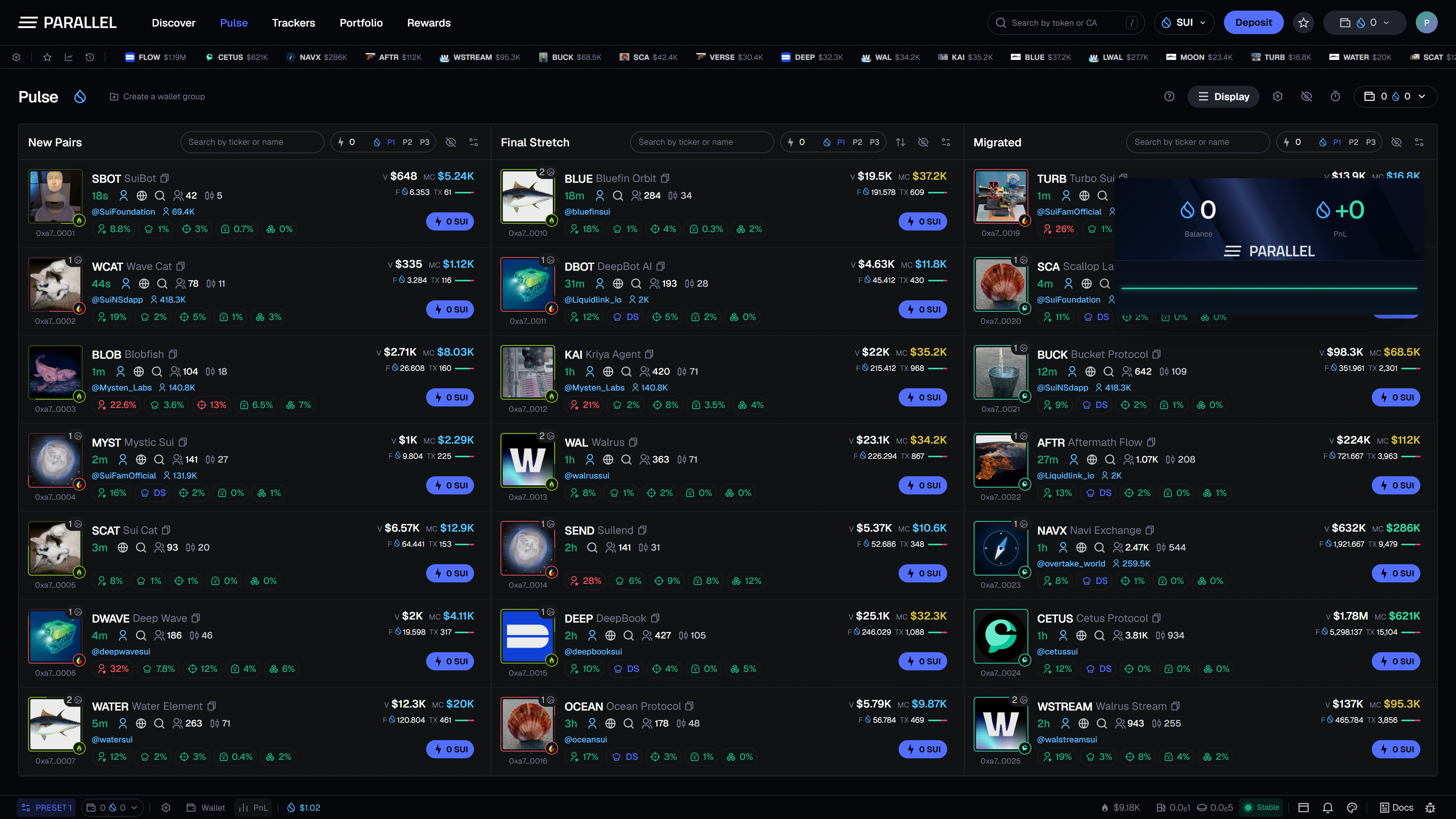
The PnL tracker is a compact performance card designed to remain visible while you use the terminal. PnL means profit and loss.
Keep performance nearby
Open the PnL tool from the footer. Its design supports a floating card, position and size controls, currency selection, and a chart so you can fit it around the rest of the workspace.
Understand the numbers
Realized and unrealized results describe different parts of performance. Funding a wallet is not itself trading profit. The reporting period and valuation source matter when comparing two results.
A chart needs sufficient recorded observations. A short or incomplete history cannot establish lifetime performance.
Baseline and periods
A baseline defines the starting point for a comparison. Resetting that comparison is intended to change the performance view without erasing transaction history or moving assets.
Check the selected period and baseline before sharing or comparing a card.
Customize and share
The card design includes background and text customization plus image export controls. Review the wallet identifiers, selected period, and figures before sharing an export.
A shared card is a picture of a display, not independent proof of funds or returns. This page shows a pre-launch interface preview; live performance tracking is not publicly available yet.
Use Wallet scan for detailed positions and activity, and Multi-wallet to understand wallet selection.