

Preferences let you adapt the terminal's layout and interface behavior to the way you work.
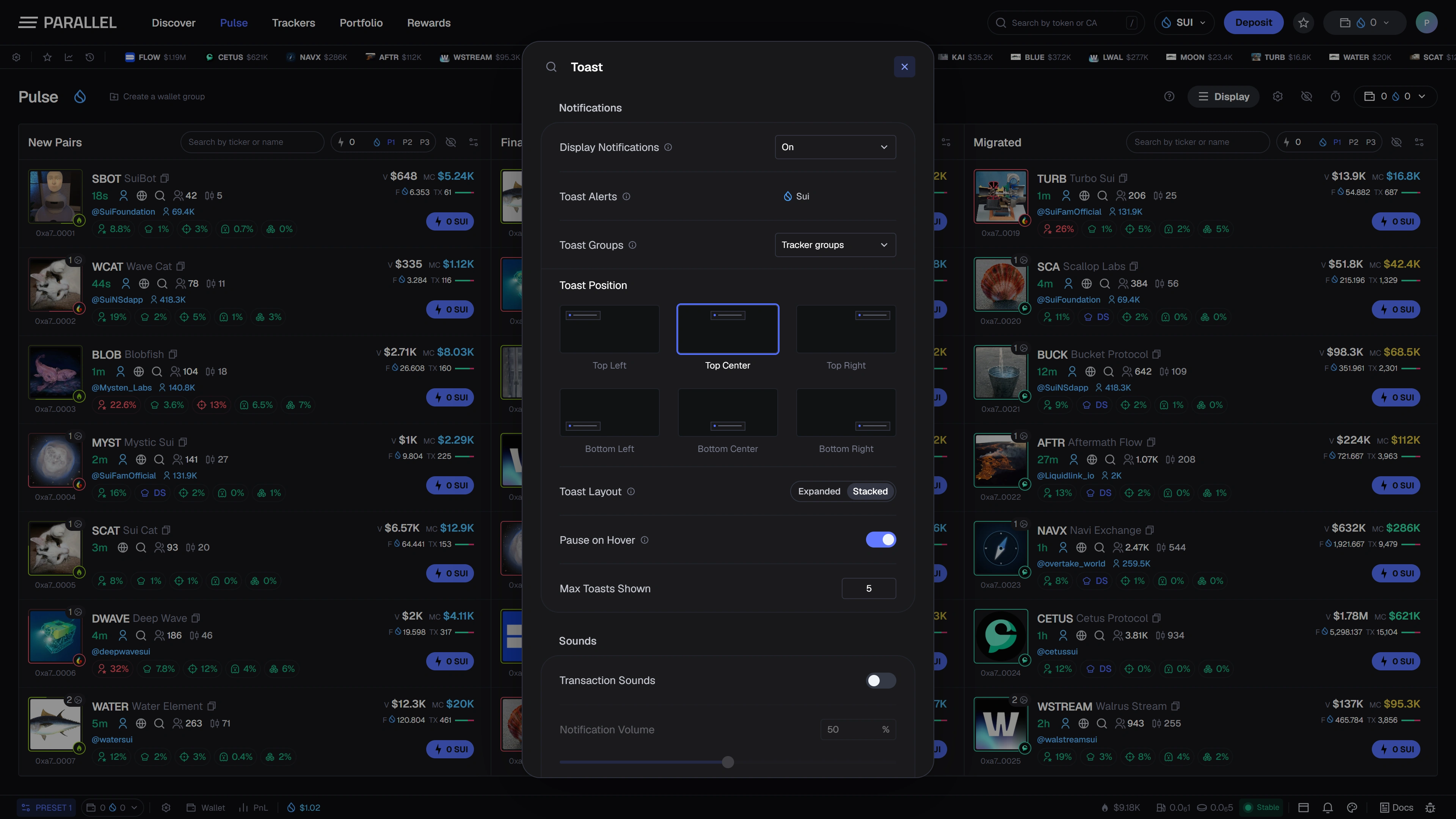
Workspace settings
Use Display settings for feed layout, row density, visible metrics, and hover details. Theme controls adjust the available colors and appearance.
Trading amounts and execution-related preferences belong to Quick Buy and presets. Review those settings separately from visual preferences.
Notifications
The notification design includes placement, grouping, maximum visible count, and pause-on-hover controls. Sound preferences help distinguish supported events without keeping every panel in view.
A quieter configuration reduces interruptions; a more visible configuration keeps selected activity prominent. Choose according to the information you actually need.
In-app and external alerts
In-app notification preferences do not automatically subscribe you to email, Telegram, browser push, or a background monitoring service. External delivery options will be documented if and when released.
Saving and resetting
Preference persistence and account synchronization will be described with the released account experience. Do not assume that a browser setting is backed up across devices.
These images illustrate the interface being built. Use What's available for current access and Support to report confusing behavior.