

Search helps you find a token or address directly. The watchlist keeps selected tokens available without repeating the same search.
These are planned terminal workflows. The public website currently displays a static preview.
Search
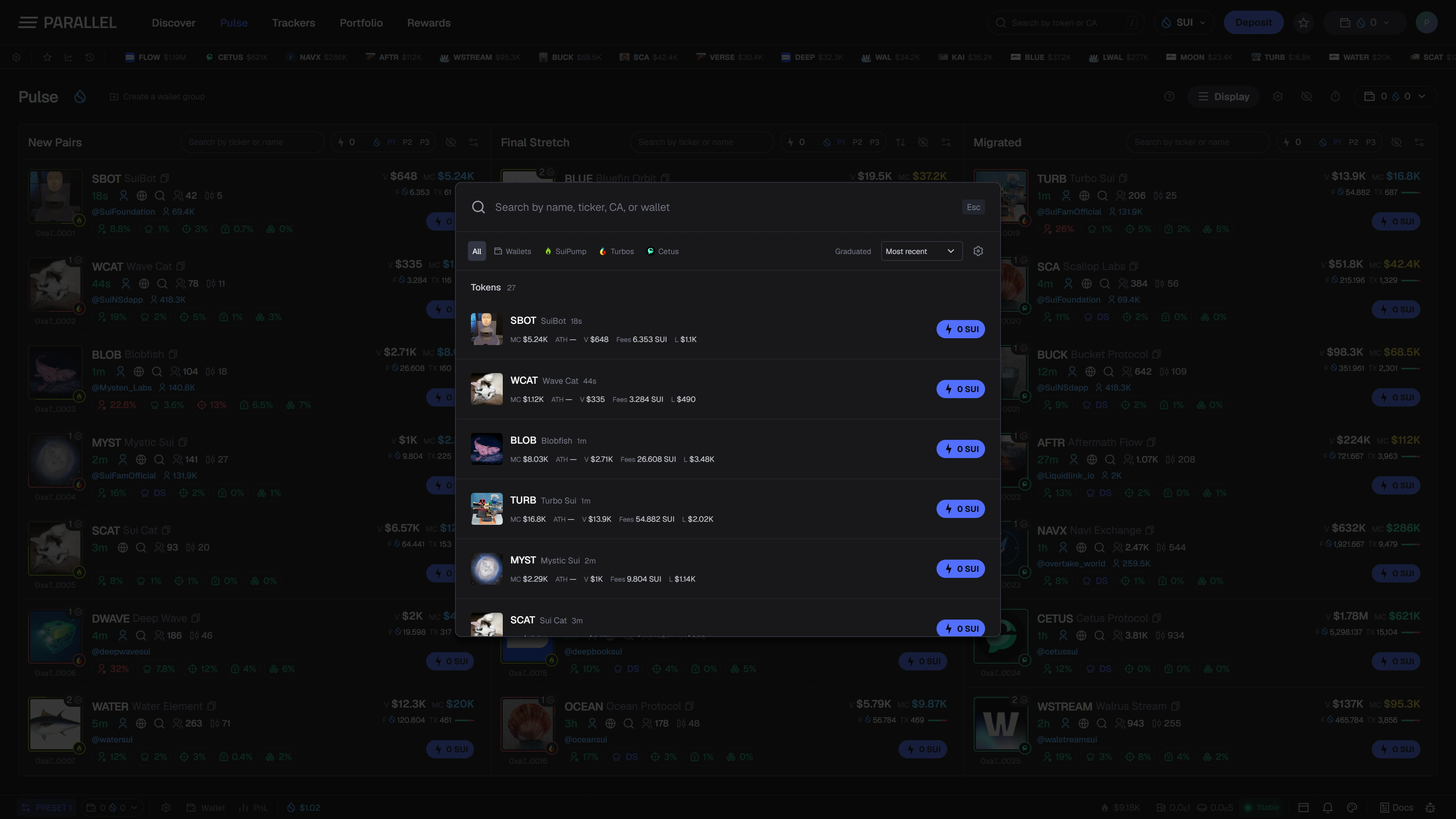
Open the search field in the header and enter a token name, ticker, or address. The interface groups supported result types and provides platform filters to narrow the list.
Names and tickers can be reused by unrelated tokens. Use the full token or contract address when identifying a specific asset. A matching label alone is not proof of identity.
Search-related Quick Buy preferences control the appearance, amounts, and presets used in results. They belong to the same trading workflow as Quick Buy and presets.
Watchlist
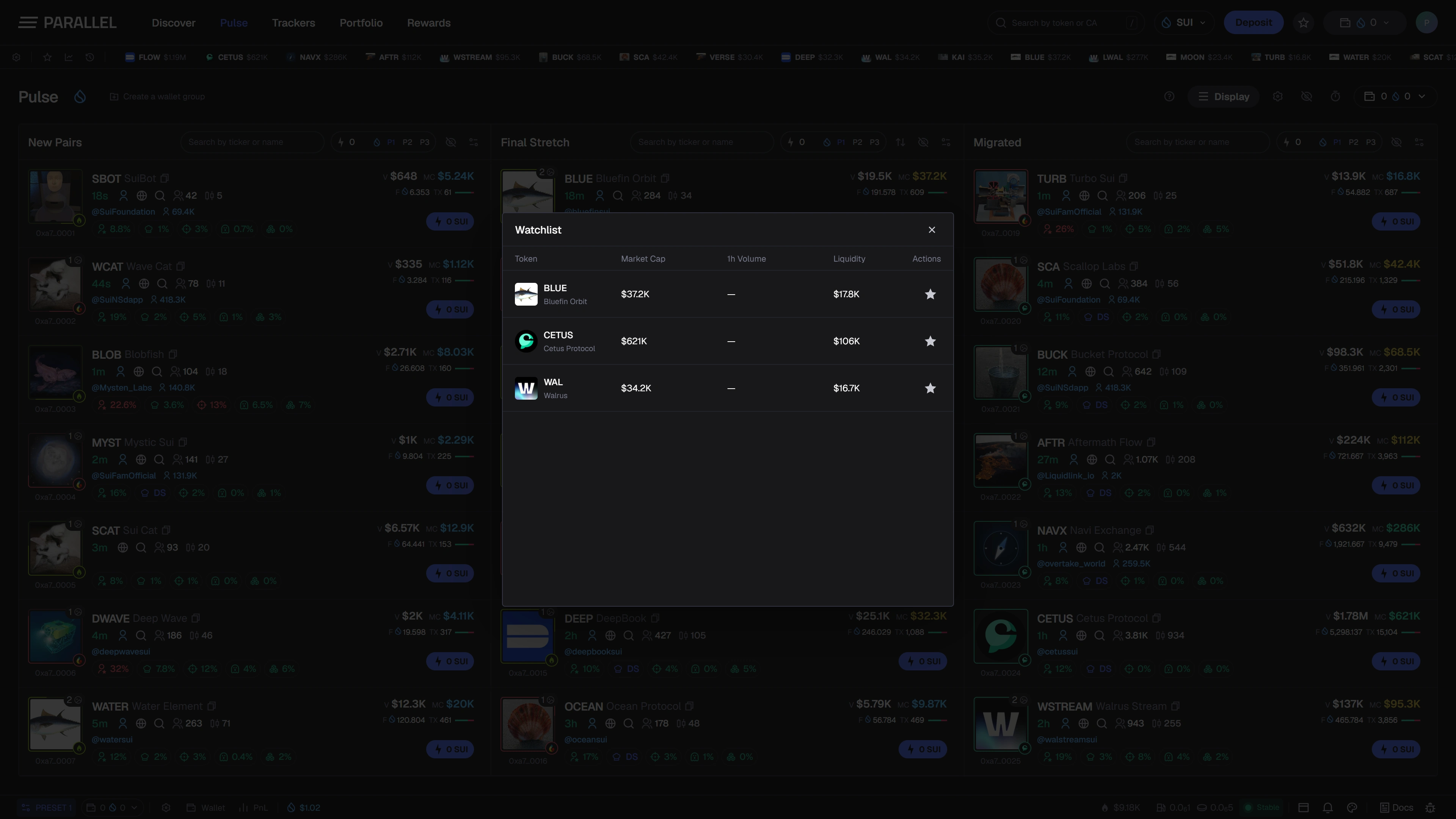
Use a token's star control to add or remove it from the watchlist. The watchlist is intended to hold the tokens you want to revisit; adding a token is not a purchase.
The ticker bar provides a compact way to view supported watchlist, recent-pair, and active-position information. A ticker view and a full feed serve different purposes: the ticker keeps a small set nearby, while Pulse shows the broader discovery list.
Keep the workflow clear
A hidden token, an active filter, and a watchlist entry are separate choices. If a token seems missing, check the selected source, search text, filters, and hidden-token list.
See What's available for launch status and Filters for feed controls.