

Wallet scan brings positions, activity, and performance views into a detailed panel for a selected wallet.
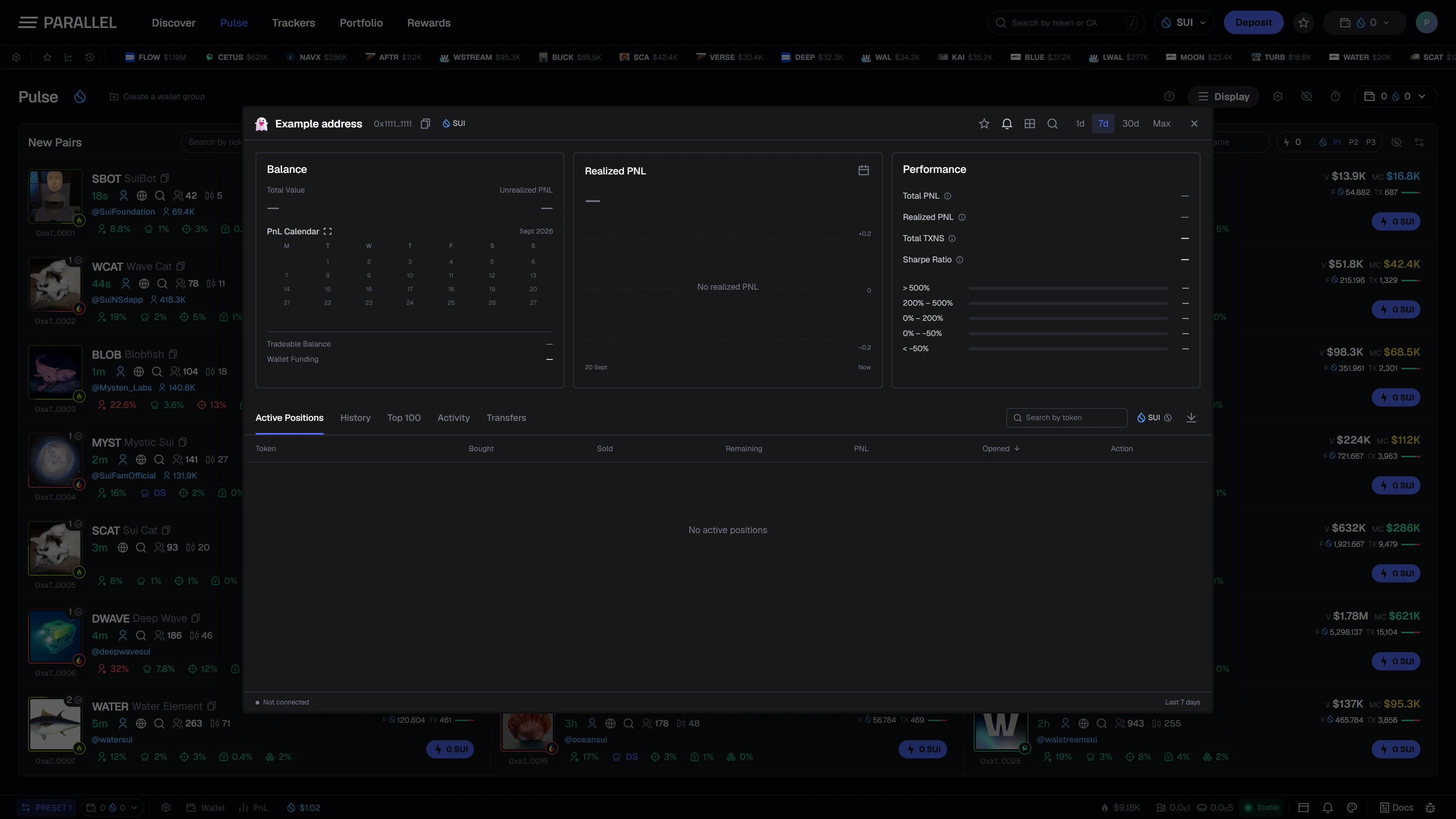
Explore the views
| View | Intended focus |
|---|---|
| Active Positions | Positions shown by the connected data source. |
| History | Recorded trading history over the available period. |
| Top 100 | A ranked view of token performance where sufficient data exists. |
| Activity | Recorded wallet events. |
| Transfers | Incoming and outgoing movements. |
Search and sorting help you find a token or compare rows. Always confirm the selected wallet and reporting period.
Read performance in context
Bought, sold, remaining value, and PnL answer different questions. Realized PnL concerns completed disposals; unrealized PnL depends on the valuation of remaining holdings.
The design also includes a realized-PnL chart, a calendar, and Degen Hours, an hourly average-PnL heatmap. These views organize historical observations; they do not predict profitable times to trade.
Units, time ranges, and missing history
SUI and USD views use different units. Changes in an exchange rate can affect the USD representation even when a SUI amount is unchanged.
A result is only as complete as its available transaction history and valuation inputs. A blank panel is not evidence of a zero balance or zero activity.
This page shows the planned analytics interface. Live wallet analytics are not publicly available yet, and the screenshot is not a verified statement of anyone's performance.